

Apr 04, 2025
MINI-SPLITS

Unites two trusted brands known for
quality, reliability and innovative technology.
 (4).png)
Our ductless mini-split systems are an easy, energy-efficient solution
that deliver room-to-room comfort and peace of mind.
Two trusted brands bring you one
impressive mini-split system.
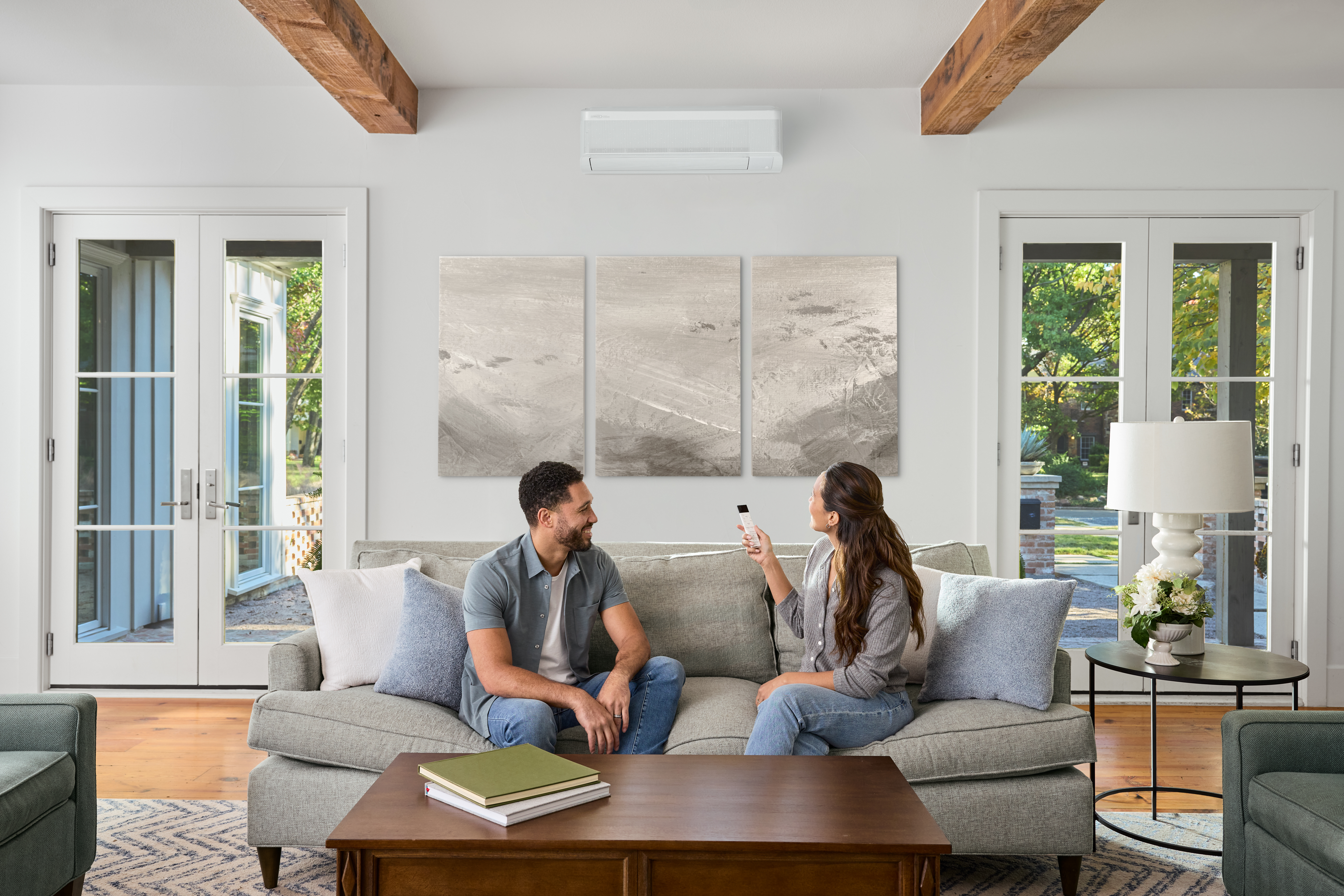
Small, efficient and quiet, our outdoor mini-split heat pumps are a flexible, ductless solution for heating
and cooling room additions or eliminating hot and cold spots in your home.
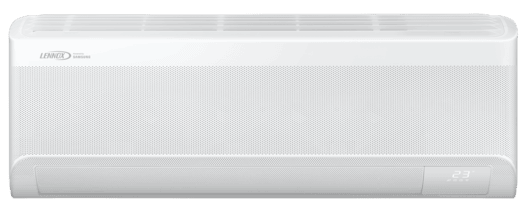
MWZD Wall Mount Mini-Split Air Handler
Wall mount mini-split air handler for multi-zone, high-efficiency systems
MWHD Wall Mount Mini-Split Air Handler
Wall mount mini-split air handler for single-zone, standard-efficiency systems
MWMD Wall Mount Mini-Split Air Handler
Wall mount mini-split air handler for single-zone, high-efficiency systems
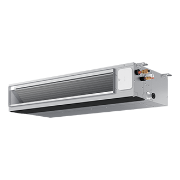
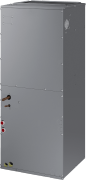
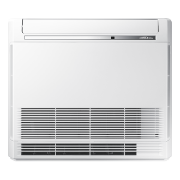
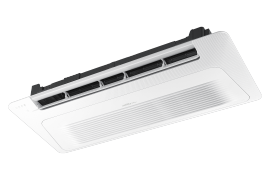
MMLD Multi-Zone Mini-Split Heat Pump
Multi-zone, high-efficiency, variable-capacity, cold climate mini-split heat pump compatible with 2025 Compliant Refrigerant
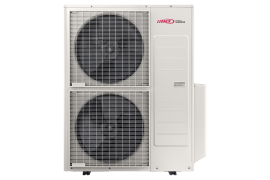

MMPD Multi-Zone Mini-Split Heat Pump
Multi-zone, high-efficiency, variable-capacity mini-split heat pump compatible with 2025 Compliant Refrigerant
MMLD Single-Zone Mini-Split Heat Pump
Single-zone, high-efficiency, variable-capacity, cold climate mini-split heat pump compatible with 2025 Compliant Refrigerant
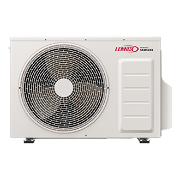

MMPD Single-Zone Mini-Split Heat Pump
Single-zone, high-efficiency, variable-capacity mini-split heat pump compatible with 2025 Compliant Refrigerant
MWLD Single-Zone Mini-Split Heat Pump
Single-zone, high-efficiency, variable-capacity, cold climate mini-split heat pump compatible with 2025 Compliant Refrigerant
MWPD Single-Zone Mini-Split Heat Pump
Single-zone, high-efficiency, variable-capacity mini-split heat pump compatible with 2025 Compliant Refrigerant
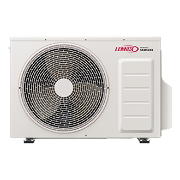
MWHD Single-Zone Mini-Split Heat Pump
Single-zone, standard-efficiency, variable-capacity mini-split heat pump compatible with 2025 Compliant Refrigerant
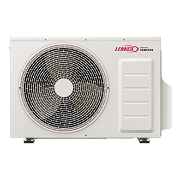

We Are Lennox
Guided by our core values of Integrity, Respect, and Excellence, we empower every team member to grow, lead, and thrive. Learn more about Lennox—our business, our people, and how we win as a team within a culture that values belonging and purpose.

Learn more about mini-split solutions
We share expert insights, helpful tips, and the latest industry updates to help you get the most out of your mini-split system.
EXPLORE ARTICLES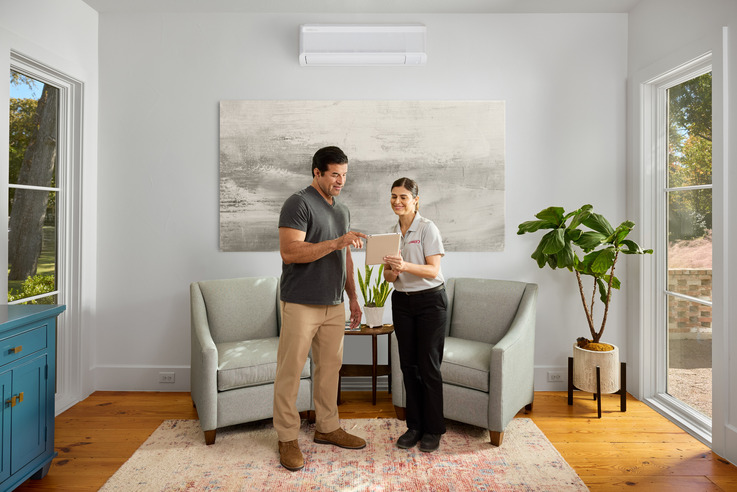 (1).jpg)
Mini-Split FAQs
Here, we’ve compiled answers to the most common questions about heating, ventilation, and air conditioning (HVAC) systems. Whether you're a homeowner curious about improving energy efficiency, a business owner seeking better air quality, or just looking to understand more about HVAC maintenance, this section is designed to provide you with quick, practical insights.
What is a mini split?
A mini-split, also known as a ductless air conditioning system, is a compact HVAC system that can efficiently heat and cool single rooms, small apartments, and other spaces where ductwork isn’t practical or feasible. Like standard heat pump-based systems, a mini-split consists of two primary components: an outdoor compressor/condenser unit and one or more indoor air handlers.
What’s the difference between mini splits and central air?
Mini-split systems are ductless, compact solutions ideal for small spaces or individual rooms, offering flexibility and high efficiency without requiring ductwork. Central air systems, on the other hand, use ducts to distribute air throughout an entire home, making them better suited for larger spaces with existing infrastructure. Your choice depends on your home's size, layout, and whether ductwork is already in place. Learn more on mini-splits vs central air: which is right for you?
Do mini-splits heat and cool?
Yes, a mini-split system can both heat and cool. It cools by extracting heat from indoor air and transferring it outdoors, and heats by reversing the process, pulling heat from outdoor air and bringing it inside. This compact system efficiently handles temperature control without requiring ductwork.
What are the benefits of a mini split?
With the right application, mini-splits have some obvious benefits: flexibility and ease of installation, efficiency and cost-savings, improved indoor air quality, multi-zone comfort, and minimal noise.
How do I connect my Minisplit to the Lennox Home App?
To connect your Lennox Mini-Split to the Lennox Home App, download the app, create a Lennox account, link your SmartThings account, and add your Mini-Split.
That’s the quick overview. Now, let’s walk through each step in detail to make sure your setup is smooth and error-free.
Connecting your Mini-Split to the Lennox Home App gives you remote control and SmartThings integration for better comfort and efficiency. This guide ensures you follow the correct steps for a seamless setup.
Before You Begin
- Download the Lennox Home App from the Apple App Store or Google Play Store.
- Create a Samsung SmartThings account and sign in.
- Ensure your Mini-Split is powered on and ready to pair.
Step-by-Step Instructions to Connect Your Mini-Split
Step 1: Create a Lennox Account
- Open the Lennox Home App.
- Tap Register.
- Enter your phone number, email address, and password.
- Verify your email and password.
- Agree to the Lennox EULA and complete registration.
Step 2: Add Your Mini-Split
- After logging in, you’ll be prompted to Add New System.
- You will see two options: Lennox Thermostat or Lennox mini-splits Powered by Samsung.
- Select Lennox mini-splits Powered by Samsung.
- Tap the arrow in the bottom-right corner to continue.
Step 3: Link to SmartThings
- Click on Link to SmartThings.
- Authenticate credentials by entering your SmartThings account information.
Step 4: Authorize Cloud Integration
- After authenticating, select a location to allow Lennox Cloud 2 Cloud
- Tap Authorize to enable Lennox Cloud-to-Cloud integration.
Step 5: Set Up Your Home
If prompted, choose Create New Home (if one hasn’t been set up).
- Enter:
- Home Name
- Country
- Address (City, State, Zip)
- Tap the arrow in the bottom-right corner to continue.
Step 6: Finish Setup
- Confirm your location and tap Finish.
- You have successfully added your Mini-Split.
- You now have access and control of your paired Mini-Split through the Lennox Home App.
Additional Scenario: Adding a Mini-Split When You Already Have Lennox Thermostats
From the home screen, select the menu icon in the top-left corner.
- Tap Add System.
- Select Lennox mini-splits Powered by Samsung.
- Tap the arrow in the bottom-right corner.
- Click Link to SmartThings and authenticate credentials.
- Authorize Lennox Cloud-to-Cloud integration.
- Select Existing Home, then confirm and tap Finish.
Additional Tips
- For advanced settings like Mode and Fan Speed, use the app’s menu options.
- If adding multiple Mini-Splits, repeat the steps for each unit.
Troubleshooting
- Common setup errors: Ensure your SmartThings account is active, and credentials are correct.
- SmartThings linking issues: Check your internet connection and retry authorization.
