You can create a Lennox account from either your smart phone or directly on the thermostat.
Creating an account from a smart phone:
Download the Lennox Home App from either the Apple App Store or on Google Play to your mobile device.
Launch the Lennox Home App and select the Sign up option. A pop-up will appear asking to Allow access to photos and media. This is required if you plan to upload a photo for the thermostat's screensaver. Select Allow or Don't Allow to continue.
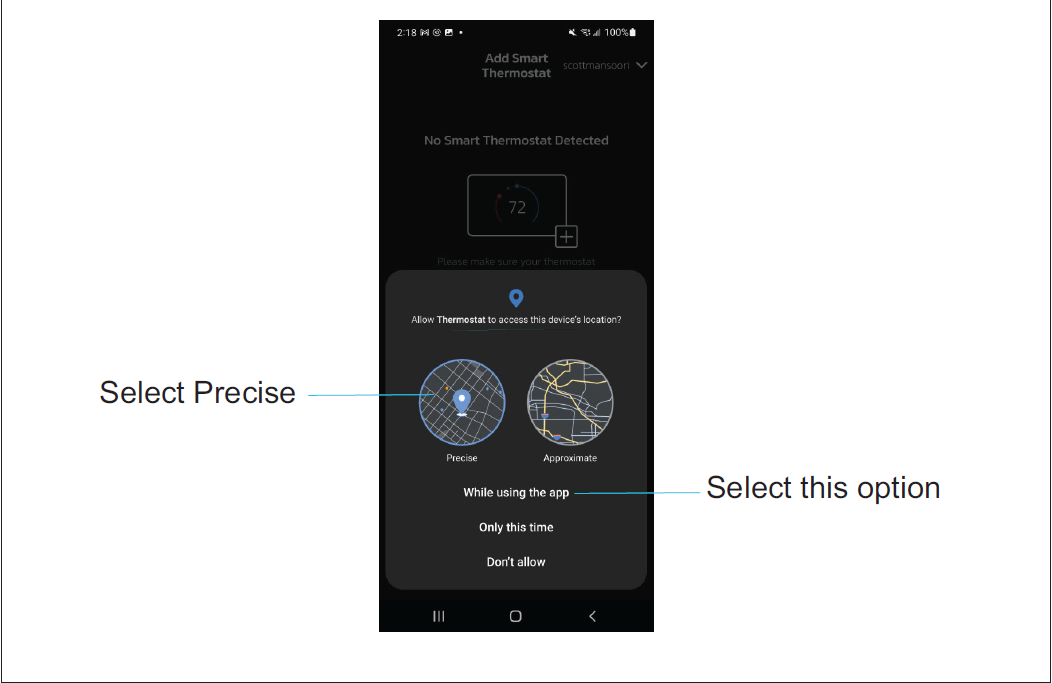
The next pop-up is asking to Allow Thermostat to access this device's location. This is required if you intend to use the Smart Away feature to control your thermostat. Select While using Lennox Home App.
• If your device lists an option called Remove permissions if app isn't used, then this setting must be disabled.
• If an option to select either Precise or Approximate location is offered, you must select Precise.
• Select the Sign Up option on the screen and complete the information requested. Enter you first name, last name, phone, email, verify email, password and verify password.
• Lennox highly recommends enabling Email Updates.
• Agree to the Lennox End User Licensing Agreement (EULA).
• Select the Sign Up button at the bottom of the screen. A pop-up screen will indicate that your account was successfully created.
• Select OK to continue.
NOTE: If sign-up failed, then follow the instructions being displayed on the app to resolve any issues.
• Login to your account.
NOTE: You may be asked to allow access to your location all the time. This is required for Smart Away. Please select that option.
Creating an account from my Thermostat:
• Go to Menu > User Account > Create New Account.
• Enter account details such as your first and last name, phone, email address, and password.
• Select whether you want to receive e-mail updates and reminders.
• Select whether to allow your dealer to receive notifications (highly recommended).
• Select agree to End User Licensing Agreement (EULA).
• Enter your information and select Next. Enter your country/region, address, city, state, and zip code.
• Select Create Account.
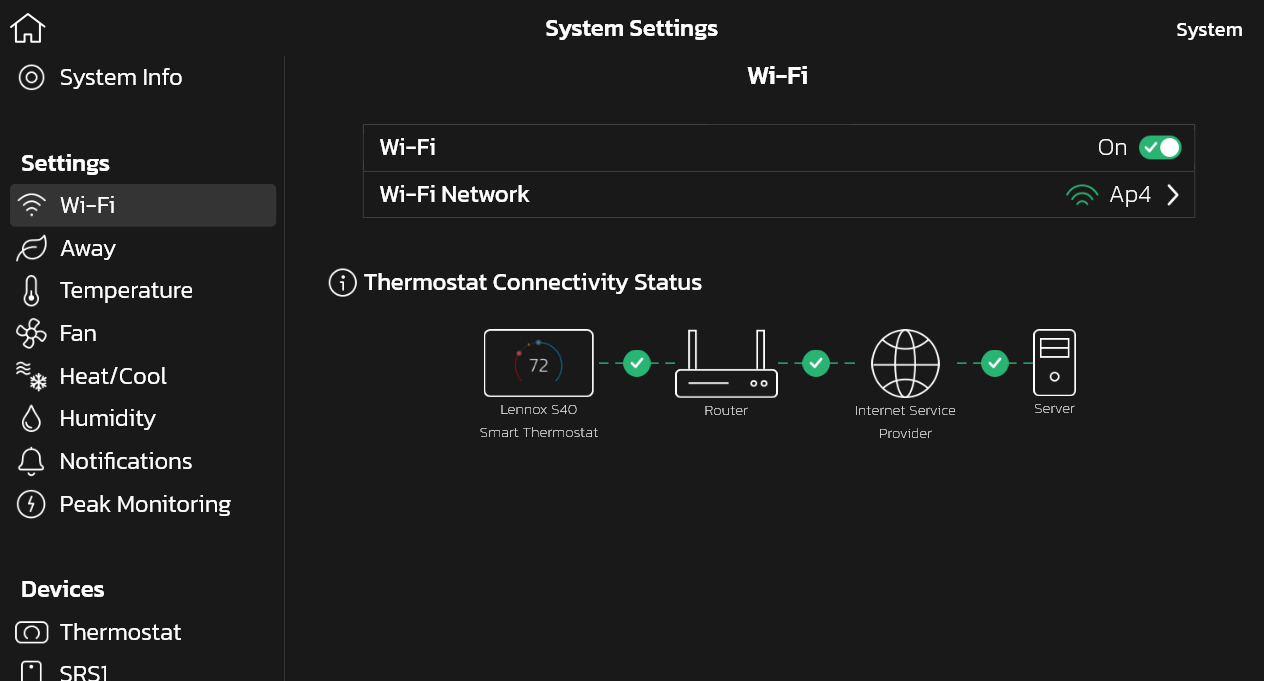
NOTE: Verify that the thermostat is connected to the home Wi-Fi and that all indicators are green, and check marked.