
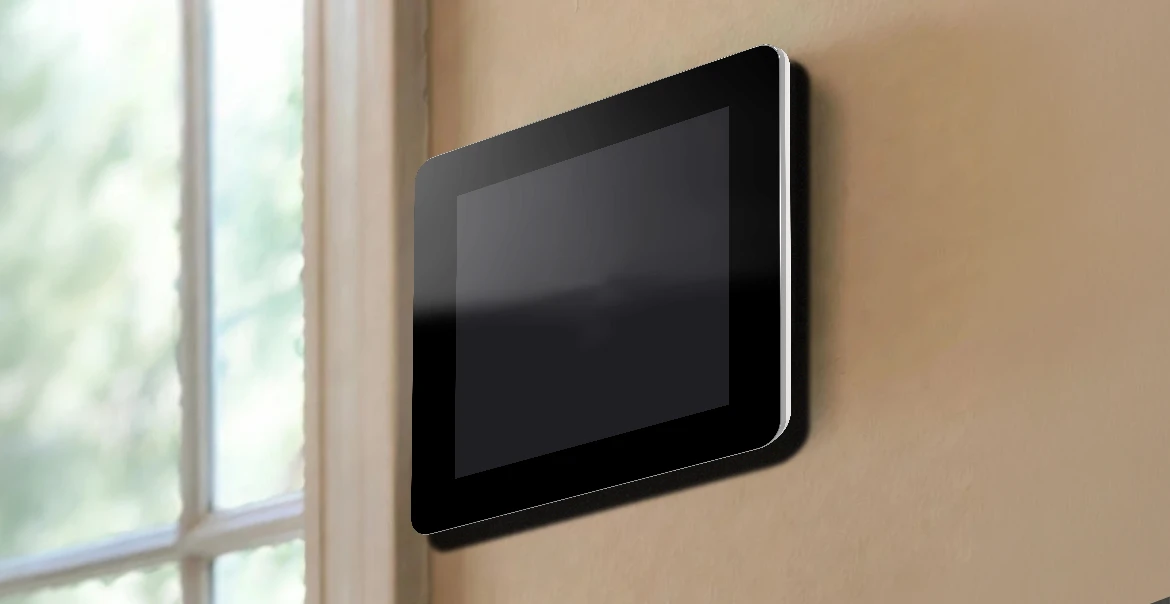
What Does "No Power to Thermostat" Mean?
Your thermostat is the command center for your entire HVAC system. When it loses power, your heating and cooling equipment has no instructions to follow, which means your home stops being the comfortable place it should be.
The way your thermostat receives power depends on how it was installed. Battery-operated models run independently of your home's electrical supply, making them straightforward to troubleshoot when power is lost. Swapping in a fresh set of AA or AAA batteries is usually all it takes, and replacing them once a year keeps this kind of interruption from happening in the first place. Hardwired thermostats draw power directly from your home's electrical system, typically through what is called a C-wire or common wire, which delivers a steady, continuous supply of power from your HVAC unit.
In hardwired setups, a transformer built into your HVAC system steps your home's high-voltage power down to a level the thermostat can safely use. If that transformer fails due to a power surge or general wear, it can cut off the thermostat entirely. Catching that kind of problem early is exactly why routine system inspections matter.
What Are the Common Signs That a Thermostat Has No Power?
Power loss is usually easy to spot. Here’s what to watch for:
Blank or dark display - The screen goes completely dark, signaling that power to the thermostat has been cut off.
No response when adjusting settings - You raise or lower the temperature and nothing changes on the display. This can point to a battery failure or a wiring problem.
HVAC system stays off - Even when you try to trigger your heating or cooling, the system does not start. Before jumping to conclusions, check that your HVAC system switch is actually in the ON position. It is a small detail that gets overlooked more often than you would think.
No change in home temperature - Your home starts warming up in summer or getting cold in winter despite your thermostat settings, a clear sign that temperature control has failed.
If any of these look familiar, your thermostat has likely lost power. Work through the troubleshooting steps below before calling in a professional.
What Are the Most Common Causes of No Power to a Thermostat?
Knowing what caused the problem makes solving it much faster. Here are the most frequent reasons a thermostat loses power:
Dead or Low Batteries - For battery-powered models, this is the most common cause and the easiest fix. Keeping spare batteries on hand makes this a non-issue.
Tripped Circuit Breaker - When electrical demand in your home exceeds a safe threshold, the breaker shuts the circuit down automatically as a protective measure. Checking your breaker panel is an essential early step.
Blown HVAC Fuse - An electrical surge can take out a fuse and sever power to your thermostat. Replacing the fuse often restores things, but if it keeps blowing, a professional needs to take a closer look.
Loose or Damaged Wiring - A wiring connection that has come loose or been damaged disrupts the power pathway to your thermostat. This typically goes beyond what most homeowners should attempt to fix on their own.
Clogged Air Filter - When a filter gets packed with debris, airflow becomes restricted and the system can shut down. Replacing your filter every one to three months, and more often during heavy-use seasons, helps prevent this.
Float Switch Triggered by Drain Line Backup - Standing water in the drain line triggers a float switch that cuts system power to prevent water damage. Flushing drain lines regularly keeps water moving and prevents repeat shutdowns.
Faulty Thermostat - Once everything else has been ruled out, the thermostat itself may have reached the end of its useful life. Most modern thermostats are built to last around 10 years, and recurring failures in an aging unit are a strong signal that a replacement is the right move.
Step-by-Step Troubleshooting Guide
Start at the top and work your way through each step in order. If one step restores power, you are done. If not, move to the next.
Step 1: Check the Thermostat Display Start by looking at your thermostat screen. If it shows any of the warning signs listed in the section above, your thermostat likely has no power. That is your cue to move to Step 2 and keep going until you find the source.
Step 2: Replace the Batteries For battery-powered thermostats, fresh batteries are often the complete solution. Swap them out and take a moment to wipe down the battery terminals with a dry cloth. Built-up corrosion is a common and avoidable reason batteries stop making good contact.
Step 3: Inspect the Circuit Breaker Head to your home's electrical panel and look for any breaker that has shifted out of the ON position. Reset it firmly. If it trips again right away, that points to an overloaded circuit and is not something to push through on your own. Call a professional at that point.
Step 4: Confirm the System Switch Is ON Check that your HVAC system is actually switched on. It sounds simple, but system switches get bumped or accidentally turned off more than most homeowners realize. Ruling this out takes seconds and could save you a service call.
Step 5: Inspect and Replace the Air Filter Pull the filter and hold it up to the light. If you cannot see light passing through it clearly, it is time for a replacement. A blocked filter reduces airflow enough to trigger a shutdown, and during seasons when your system is running hard, filters fill up faster than expected.
Step 6: Look for Water Near the Indoor Unit Walk over to your indoor HVAC unit and check for any water pooling around it. If you find moisture, the drain line likely needs to be cleared. Addressing this removes the trigger that caused the float switch to cut power in the first place.
When Should You Call a Professional for a Thermostat Power Issue?
Some situations call for more than a quick fix. If you have worked through every step above and your thermostat still will not power on, that alone is reason enough to contact your local Lennox dealer. Beyond that, reach out to a professional if any of the following apply:
The breaker will not stay reset - A breaker that keeps tripping after you reset it points to a deeper electrical issue that can compromise your home's safety.
You suspect a wiring problem - Thermostat wiring requires proper knowledge and tools to handle safely. Attempting to fix it without that expertise can make things worse or void your system's warranty.
Fuses keep blowing - A single blown fuse is often a fluke. Repeated fuse failures are a pattern that signals something else is wrong, and routine maintenance can help get ahead of it.
Water is showing up repeatedly - Clearing a drain line once is a normal part of home upkeep. If water keeps accumulating and affecting system performance or reaching your home's structure, it is time to call in help.
Your thermostat is ready to be replaced - If your thermostat is past the 10-year mark and has been giving you repeated trouble, an upgrade is likely the smarter investment. A Lennox dealer can help you find a replacement that fits your system and your home.
How to Prevent Future Thermostat Power Problems?
A little consistency goes further than most homeowners expect. These habits keep power issues from becoming a recurring problem:
Replace batteries on a schedule - Tie it to another annual task you already do, like changing smoke detector batteries. Rechargeable batteries are a practical option that also cuts down on waste over time.
Book routine HVAC maintenance - A professional HVAC inspection keeps your entire system in good shape and gives a technician the chance to catch small issues before they turn into big ones.
Stay on top of air filter changes - Clean filters mean better airflow, a system that runs the way it should, and the peace of mind that comes with knowing your home's air quality is where it needs to be.
Invest in proper thermostat installation - A thermostat installed by a trained professional is positioned correctly, wired properly, and configured to avoid unnecessary energy loss from day one.
Keep drain lines flowing freely - A periodic flush is all it takes. For mild buildup, a vinegar solution can clear the line. For anything more persistent, loop in your Lennox dealer.
Get Your Comfort Back With Lennox
A thermostat that has lost power is more than an inconvenience. It is your home's comfort, health, and peace of mind on the line. Whether the fix is as simple as new batteries or as involved as a full thermostat replacement, Lennox has the products, the expertise, and the dealer network to get your home back to feeling exactly the way it should. Find a Lennox dealer near you and get the right support from people who know your system inside and out.
We’re here to help make home comfort solutions a little clearer and a lot less stressful.
No Worries. It’s a Lennox.