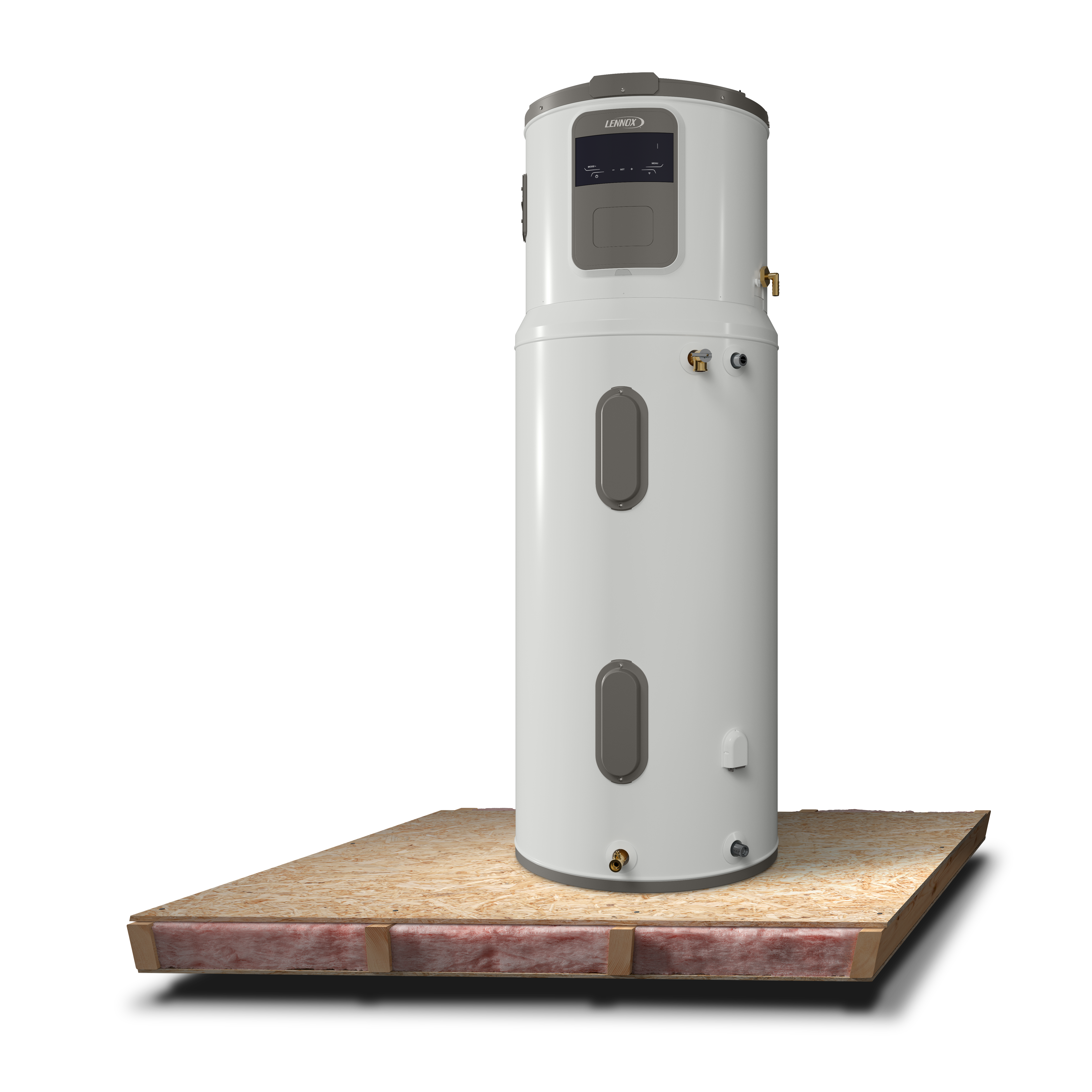
Lennox Heat Pump Water Heater Support
Highest-efficiency, smart, 40 to 80 gallon heat pump water heaters
Get the most from your Lennox heat pump water heater. Find stepbystep setup help, WiFi and app guidance, operating modes, quick fixes, troubleshooting, maintenance, and warranty resources.
Get Started by Connecting Your Water Heater to the Lennox Home App
Your new heat pump water heater is equipped with WiFi connectivity, making it easy to connect it to your Lennox App. This means control at your fingertips whether at home or away.
Get Started
Start the wifi connection process
Connect your water heater to wifi
Connecting your water heater to your wifi
Creating the account and logging in
Creating the account and logging in
Register the product in the Lennox Home App
Register the product in the Lennox Home App
Get Started
If the product has never been connected to the Wi-Fi, you’ll see “On” flashing on the display and “Wi-Fi” written below. Press [SET] to confirm and start the connection on the product.
Alternatively, press [ + ] and [ - ] together to turn the Wi-Fi on (the Wi-Fi icon will flash slowly).
Press [ + ] and [ - ] together for 5 seconds to start the network configuration procedure (“AP” will appear on the display and the Wi-Fi icon will flash fast).
Connect your water heater to wifi
Open your WiFi settings
Search and connect to the network called “Remote GW Thermo”
Open your browser on your smartphone
Type the following in the web address bar: 192.168.1.1
Choose your home WiFi Network (SSID LIST) and insert your WiFi password
Click “Confirm” to connect the product to your WIFI.
Creating the account and logging in
On your smartphone, go to web address: https://waterheater.remotethermo.com/
Select "register yourself".
Click on "Create account" and fill in the fields. Open the water heater activation email and click on the link to confirm your account.
Go back to the page opened in your browser and log in to water heater account.
If there is no product associated yet, please insert the address and product Gateway Serial number (SN) on the sticker (To locate the Gateway Serial Number - please refer to the sticker on the water heater.
Click "Save" to add the product to your account.
Register the product in the Lennox Home App
Login to your Lennox Home App account or create an account if you are a new user.
Click "Add a New Device" < "Lennox Water Heater" < "Next arrow"
Login into existing water heater account (utilize the same sign in when you registered your water heater in step 6)
Check your device(s), click authorize **change the devices to 1 device**
Click "Next arrow"
Login to existing water heater account
Check the device and click authorize
When the success screen appears, click "OK"
Key Features and Tools
Knowing the details of a few key features will make both you and your home smarter.
Mode of Operation
With the " MODE " button you can modify the operating mode used by the water heater to reach the set temperature.
Vacation Mode
Use this mode when hot water will not be needed for an extended time (such as a vacation). After the chosen time period Vacation mode will deactivate and the product will operate at its previous setting. Vacation mode is set in the User Menu. In this mode, no heating is performed; antifreeze protection and antibacterial cycle are guaranteed.
Green Mode
Green mode maximizes energy savings by only using the heat pump.
Comfort Mode
Comfort mode maximizes comfort by efficiently using the heat pump and, when needed, the heating element.
Fast Mode
Fast mode allows the device to reach the desired temperature quickly by using heat pump and heating elements.
Boost
Boost mode is a quick activation for the device to reach desired temperature as fast as possible. Once boost is canceled, the device will resume the previous mode set.
* For access to additional features such as Demand Response or Scheduling, please proceed to download the Comfort Link app, which provides a broader experience.
*After download, be sure to utilize your water heater registration credentials to log into the app for a seamless experience. (No need to re-register.)
Comfort
A steady supply of hot water means showers stay warm, dishes get clean, and everyday routines run smoothly without giving it a second thought.
Efficiency
Designed to use energy wisely, Lennox water heaters help reduce energy use and keep utility bills in check while delivering dependable performance.
Smart Technology
Routine-learning technology and app control help make sure hot water is ready when you need it.
Craftsmanship
Build with durable materials and thoughtful engineering, Lennox water heaters are designed for long-lasting performance, including advanced PermaClad glass-lined tanks that help protect against corrosion.
FAQs
Find answers to common questions about your Heat Pump Water Heater from setup and Wi-Fi connection to troubleshooting and energy-saving tips.