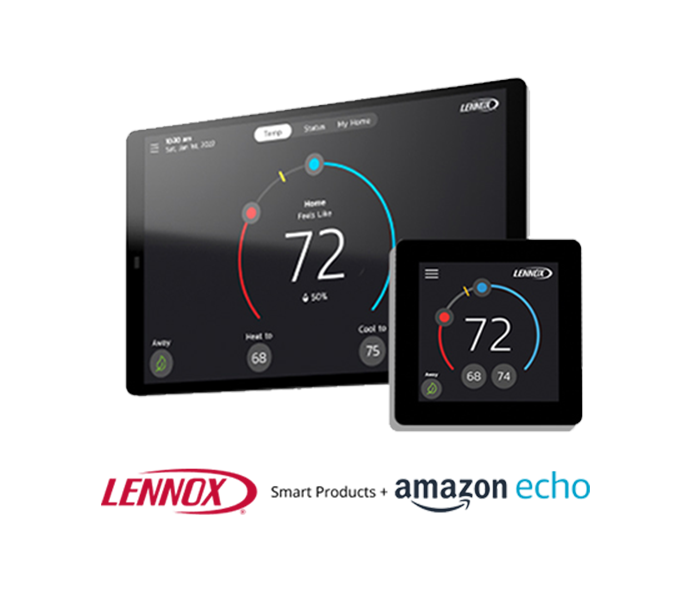
Lennox + Amazon Alexa
Voice control your temperature
Amazon Echo/Dot is hands free and voice controlled. The Amazon Alexa voice service running on the Echo/Dot puts you in command of your home through voice controls that can be used with individual thermostats or groups. It can be used with Amazon Alexa compliant smart home devices.
Your Home Comfort Command Center
By utilizing the Matter protocol, users can enjoy a more responsive, efficient, and secure smart home experience.

Get Started
To start using your Smart Thermostat with Amazon Alexa, you will need:
Get Started
An Amazon Eco/Dot linked to your Amazon account
The Amazon Alexa mobile app installed on your phone
A Lennox Smart Thermostat with a registered Smart Thermostat account
Voice control your temperature
Ask for the current temperature
"Alexa, what is the temperature of (thermostat name)" Alexa will reply with current temperature.
Set your Smart Thermostat to a specific temperature
"Alexa, set (thermostat name) to (75) degrees".
"Alexa, set (thermostat name) temperature to (75)".
"Alexa, set (thermostat name) to (75)".
"Alexa, change temperature to (75)" Alexa will ask you to confirm which device, just say your thermostat's name."
Make it warmer
"Alexa, increase (thermostat name) by (3) degrees".
"Alexa, increase (thermostat name) temperature by (3) degrees".
"Alexa, raise (thermostat name) by (3) degrees".
"Alexa, increase (thermostat name) by (3) degrees".
"Alexa, make (thermostat name) warmer".
Make it Cooler
"Alexa, decrease (thermostat name) by (3) degrees"
"Alexa, lower (thermostat name) temperature by (3) degrees"
"Alexa, decrease (thermostat name) temperature by (3) degrees"
"Alexa, lower (thermostat name) temperature".
"Alexa, make (thermostat name) colder".
Ask for thermostat setpoints
"Alexa, what is the (thermostat name) set to?" Alexa will reply with the current thermostat setpoints and the thermostat mode (heat, cool or auto).
FAQs
Find answers to common questions about your thermostat from setup and Wi-Fi connection to troubleshooting and energy-saving tips.